Vector Graphics vs Raster Images: Complete Designer Guide
Understanding vector graphics vs raster images is essential for every modern designer. Whether you’re creating logos, website graphics, social media content, sports apparel, or large-format print artwork, choosing the correct image format directly affects quality, scalability, editing flexibility, and final output.
Many beginners assume all image formats work the same way, but professional designers know the wrong format can ruin a project. A raster logo may become blurry when enlarged, while a properly created vector file stays perfectly sharp at any size.
The real question is not simply raster vs. vector—it’s knowing when each format works best.
What Are Vector Graphics? Understanding Scalable Vector Graphics
Vector graphics are images created using mathematical paths, curves, points, and shapes instead of pixels. Because they are resolution-independent, they can scale infinitely without losing quality.
This makes vectors the preferred
solution for branding, printing, illustrations, and professional design workflows.
Common Vector Image Formats
Popular vector image format types include:
- SVG
- AI
- EPS
- PDF (vector-based)
Many professional designers prefer editable AI, EPS, and SVG files because they provide complete flexibility for branding, printing, and customization workflows.
Popular Vector Graphics Examples
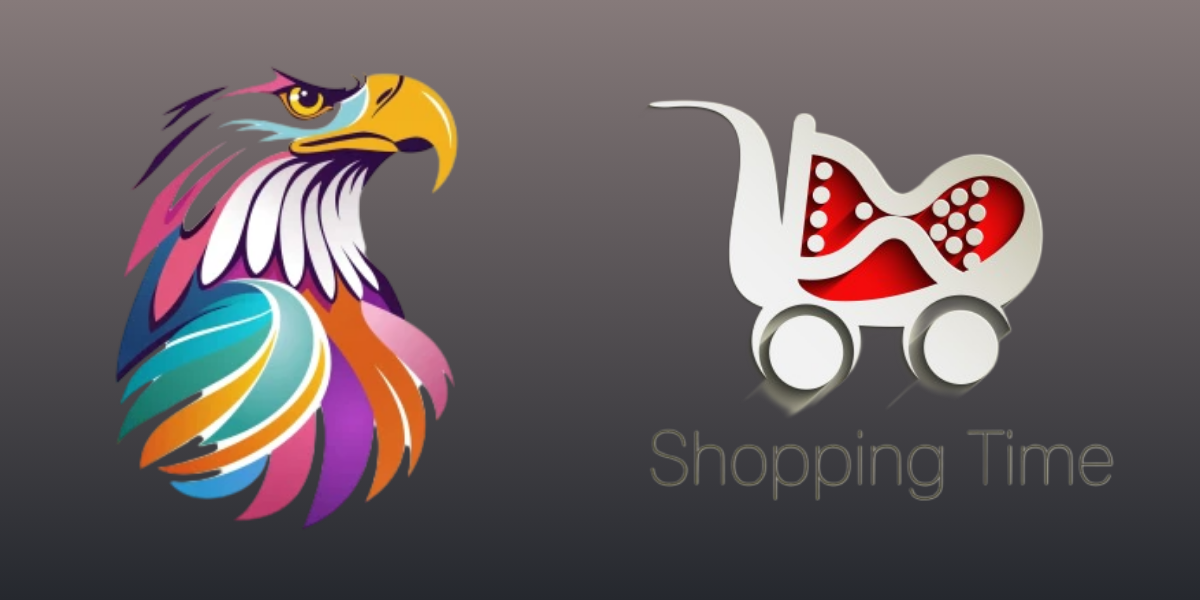
Professional branding projects often use editable mascot and business logo vectors for scalable print and digital applications.
- logos
- icons
- illustrations
- jersey templates
- typography artwork
- infographics
For example, branding assets like professional logo vector designs remain sharp across websites, packaging, apparel, and large-format signage.
What Are Raster Images? Understanding Bitmap Graphics
Raster images, also known as bitmap graphics, are built using tiny colored squares called pixels. Every pixel stores visual information, allowing raster images to display highly detailed and realistic visuals.
Common Raster Image Formats
Common raster image format types include:
- JPG / JPEG
- PNG
- PSD
- TIFF
- WebP
Best Raster Graphics Examples
Typical raster graphics examples include:
- photography
- digital painting
- textured artwork
- photo manipulation
- detailed web banners
Raster images are ideal for realism, but they lose quality when enlarged beyond their original resolution.
Difference Between Vector and Raster Images
The biggest difference between vector and raster images is how they are built and scaled.
| Feature | Vector Graphics | Raster Images |
|---|---|---|
| Built From | Paths & shapes | Pixels |
| Scalability | Infinite | Limited |
| Best For | Logos, illustrations | Photography |
| File Size | Usually smaller | Often larger |
| Editing | Highly flexible | Pixel-based |
| Print Quality | Excellent | Resolution dependent |
When comparing bitmap vs vector graphics, vectors perform better for scalability and editing flexibility, while raster images excel in realism and photographic detail.
Professional designers typically use both vector image formats and raster image formats depending on project requirements.
Best Use Cases for Editable Vector Graphics
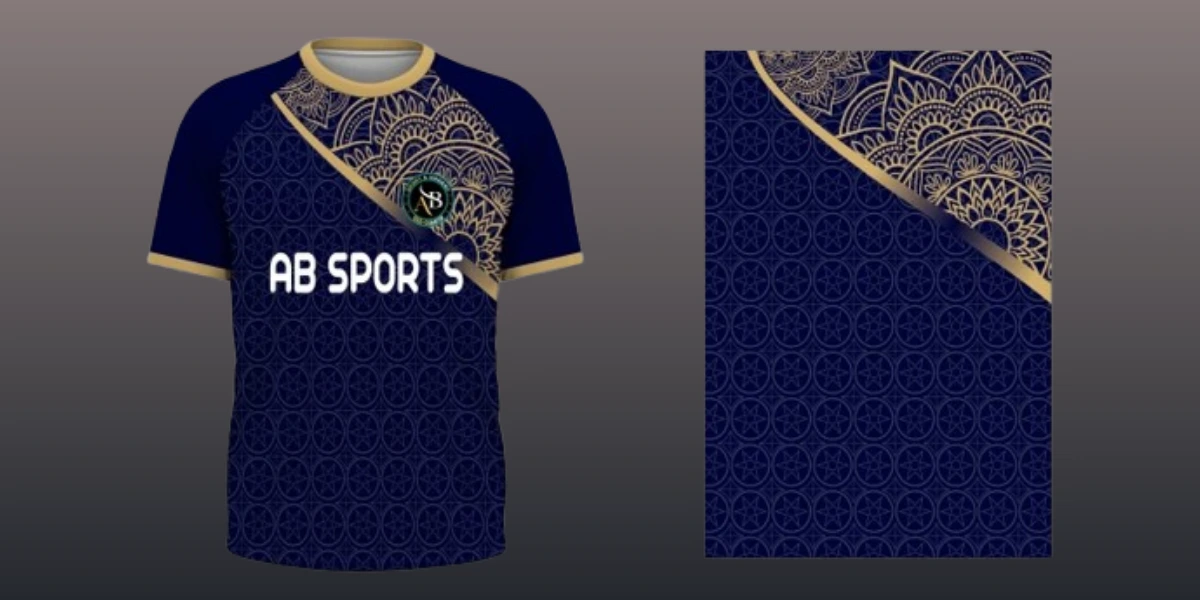
Professional designers prefer editable vector graphics because they can be resized, recolored, and customized without losing quality.
Best vector use cases include:
- logo design
- sports jersey templates
- packaging
- large-format printing
- icons
- branding systems
Large-format assets such as editable sports jersey vector templates clearly demonstrate why vectors dominate professional print and apparel design workflows.
Best Use Cases for Raster Images
Raster graphics perform best in projects that require realistic visual detail.
Best raster use cases include:
- photography
- cinematic artwork
- product mockups
- textured web banners
- image retouching
Photographers and digital artists often rely on PSD and PNG formats because pixel-based editing provides advanced control over lighting, shadows, and textures.
Which Is Better for Printing?
When comparing vector vs raster for printing, vector files usually provide cleaner and sharper results for logos, illustrations, typography, and large-format graphics.
Vectors are preferred because they:
- scale perfectly
- maintain edge clarity
- support professional CMYK workflows
- produce cleaner print output
Raster files should only be used for print when exported in high resolution (300 DPI or higher).
Decorative vector artwork also maintains crisp detailing for textile, embroidery, and apparel printing workflows.
Which Is Better for Logo Design?
For logo design, vector is the industry standard.
A professional logo must work across:
- websites
- packaging
- signage
- uniforms
- social media
- billboards
Only scalable vector graphics maintain perfect quality across every size.
Best File Formats for Logo Design
- SVG
- AI
- EPS
Professional designers often use vector logo templates because they remain fully editable and scalable for both print and web applications.
Which Is Better for Web Design?
Modern websites use both vector and raster formats strategically.
Use SVG Files For:
- logos
- icons
- UI graphics
- illustrations
Use Raster Formats For:
- photography
- hero banners
- textured visuals
The most effective web design workflow combines both formats intelligently.
Common Mistakes Designers Make
Designing Logos in Raster Format
Raster logos become blurry when resized.
Using Low-Resolution Images for Print
Low-resolution PNG or JPG files create poor print quality.
Flattening Editable Artwork Too Early
Always keep editable AI or EPS source files.
Exporting SVG Files Incorrectly
Poorly optimized SVG files can affect website performance.
Pro Tips from Professional Designers
- Create master artwork in vector first
- Export raster versions later
- Keep editable AI and EPS backups
- Use SVG for responsive web graphics
- Maintain 300 DPI minimum for print raster files
Many professional designers prefer editable AI, EPS, and SVG files because they provide complete flexibility for branding, printing, and customization workflows.
Where to Download Free Vector Graphics
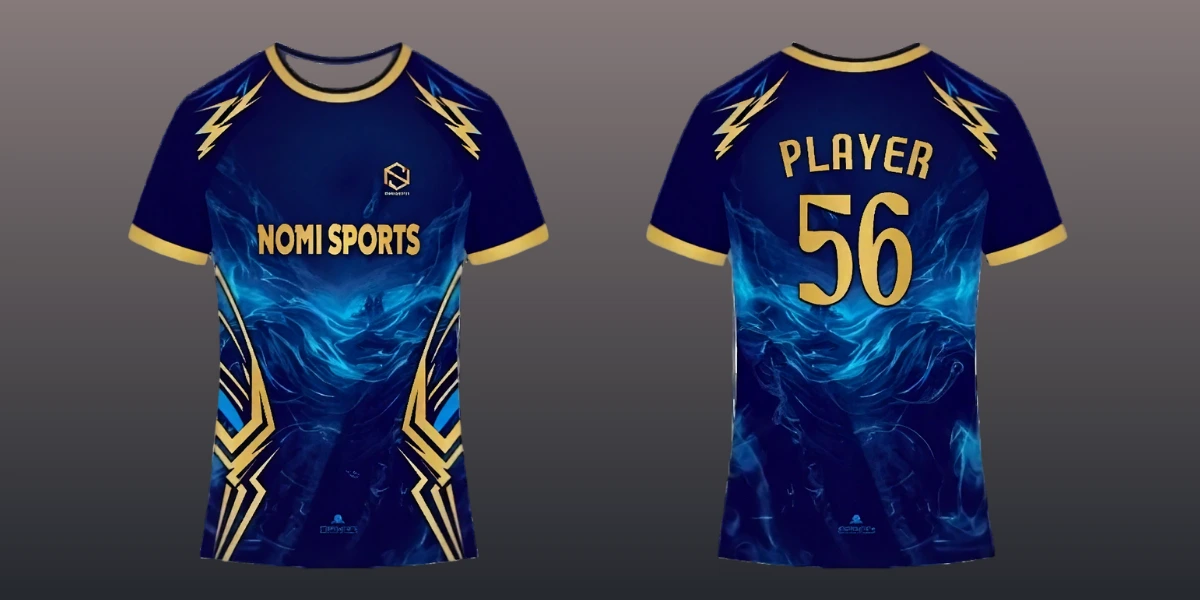
If you’re searching for free vector graphics download resources, Vectors Arena offers a growing collection of:
- editable vector graphics
- SVG files
- AI vector files
- EPS vector artwork
- sports jersey templates
- logo vector designs
- creative vector illustrations
You can explore editable EPS downloads, professional logo vector resources, and creative sports jersey templates for scalable business and apparel design projects.
Final Verdict: Which Format Should Designers Use?
In the debate of vector graphics vs raster images, there is no single winner. The best format depends entirely on your project goals.
Choose vector graphics for:
✔ logos
✔ branding
✔ illustrations
✔ printing
✔ scalable artwork
Choose raster images for:
✔ photography
✔ textures
✔ realistic compositions
✔ image editing
Professional designers use both formats strategically—but the smartest workflow usually starts with vectors and exports raster versions when needed.
What is the difference between vector and raster images?
Vectors use mathematical paths, while raster images use pixels.
Which is better for logo design?
Vector graphics are best because they scale without losing quality.
Are SVG files vector graphics?
Yes, SVG is a scalable vector file format widely used in web and branding design.
Is PNG vector or raster?
PNG is a raster image format.
Which format is better for printing?
Vector graphics are ideal for logos and illustrations, while high-resolution raster images are best for photography.
What are common vector file formats?
Popular vector formats include SVG, AI, EPS, and PDF.